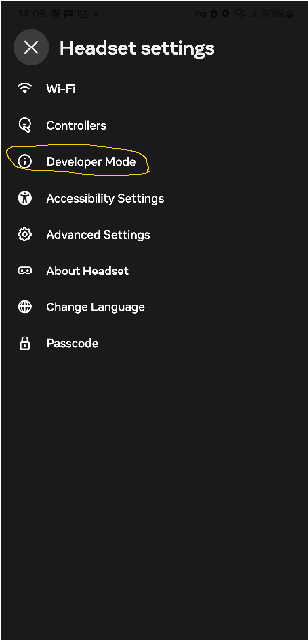
enable dev mode on your quest,you can do this by opening the mobile app and selecting headset settings,then selecting developer mode,and turning it on
Install and launch adb(Android debug bridge)
Step 3Connect you quest to your pc via usb,and press accept on the USB debuging prompt
Step 4run these adb commands
adb shell settings put global window_animation_scale 0
adb shell settings put global transition_animation_scale 0
adb shell settings put global animator_duration_scale 0